When a member signs up to your program, they create a Farmigo account at the same time. A member’s Farmigo account and password may be used universally with all Farmigo systems.
On Wednesday, the Farmigo software development team released a system update that streamlines the process for a member to reset their password in case they forgot it. This new process is outlined below.
On Wednesday, the Farmigo software development team released a system update that streamlines the process for a member to reset their password in case they forgot it. This new process is outlined below.
This process only affects members that created an account with their email address. Members who associate their account with their Facebook ID and password will receive a message indicating that they need to use their Facebook credentials to log in.
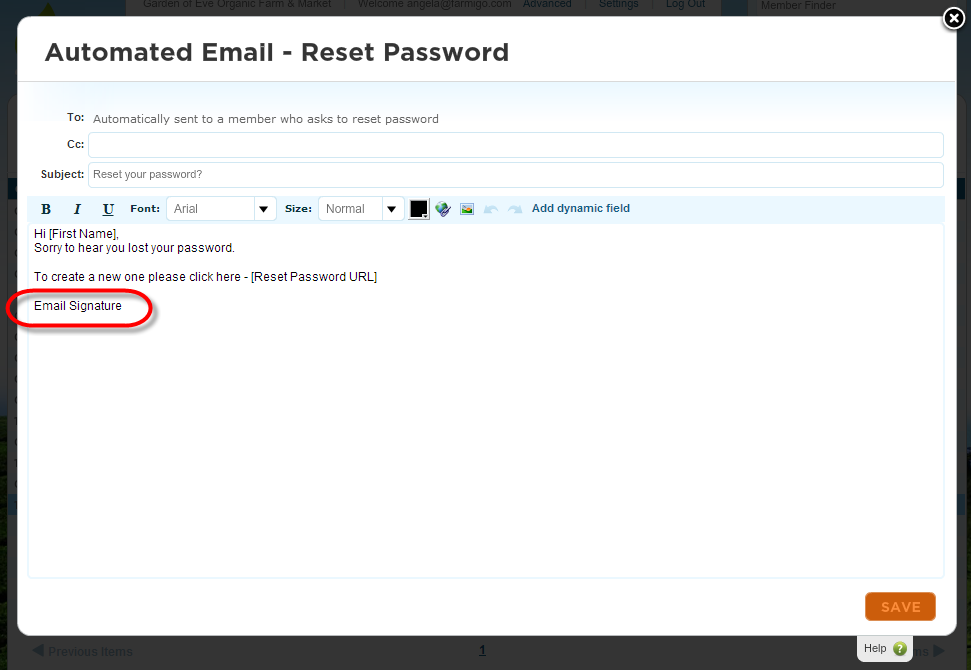
PLEASE NOTE: You may need to update the signature for the "Automated Email - Reset Password", which is found in the Connect manager. Please read on to learn more.
PLEASE NOTE: You may need to update the signature for the "Automated Email - Reset Password", which is found in the Connect manager. Please read on to learn more.
Forgot Password?
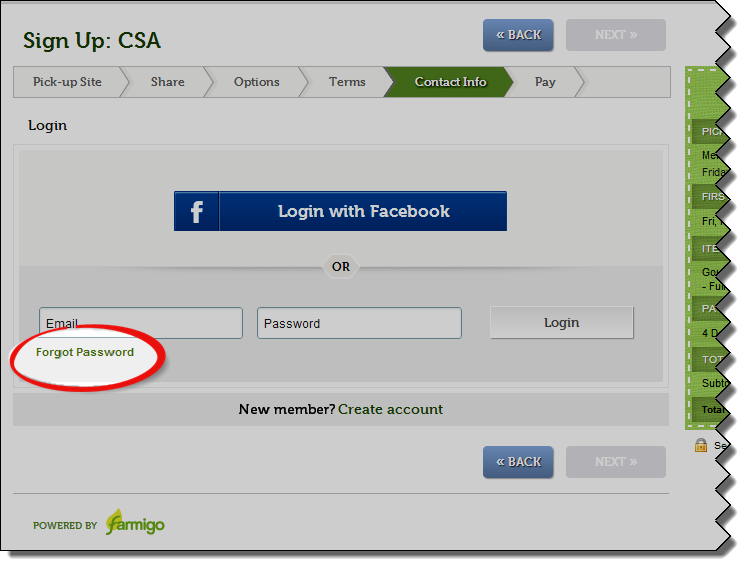
Your members will be asked to log in and enter a password when they access your Farmigo links. If they don’t remember their password, they may click the link for “Forgot Password” from the login screen.
For example, when a potential member goes through your sign-up process, they are asked to set up an account in the Contact Info step. If they already have an account, they may select the option to “Login”.
For example, when a potential member goes through your sign-up process, they are asked to set up an account in the Contact Info step. If they already have an account, they may select the option to “Login”.
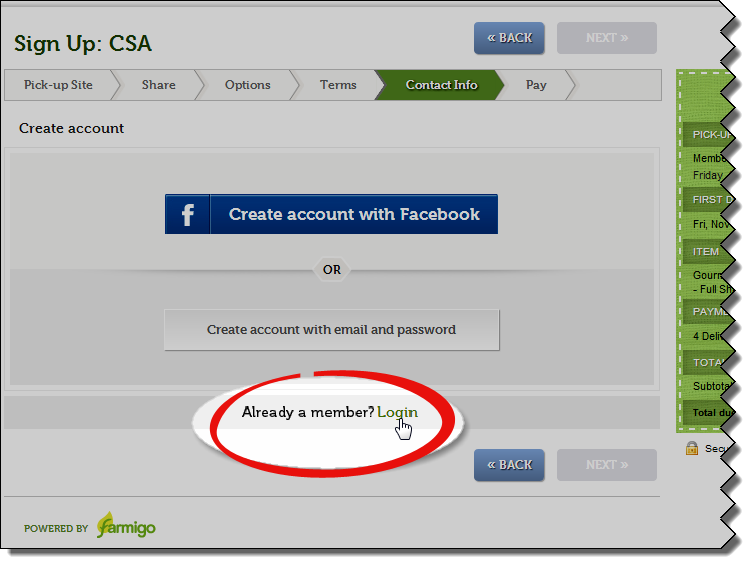
When they click on the link to “Login” but they don’t remember their password, they may click the link “Forgot Password”.
Reset Password Process
Review the slideshow below to understand the whole process from the member’s perspective.
Reset Password Button
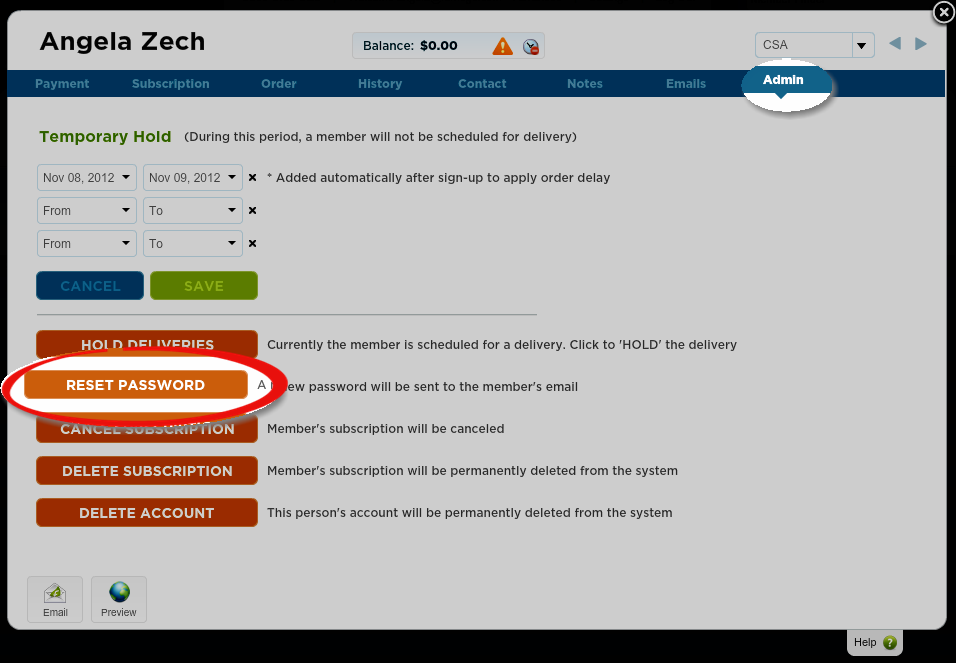
If a member contacts you and says that they are having trouble accessing their account, you may open the members file from your dashboard, go to the Admin tab, and click the button for “Reset Password”. Then they will be sent the Automated Email for “Reset Password”.
Update Your Email Template
To implement the reset password process, we also updated your Automated Email template for “Reset Password.” Please go to the Connect manager in your dashboard and look for the Automated Email with the subject “Reset your password?” You may want to update this message with your email signature.